For iPhone
Any language in. Subtitles in yours.
xvd detects the spoken language from the audio, burns subtitles into the video in the language you choose, and puts your logo on every video.
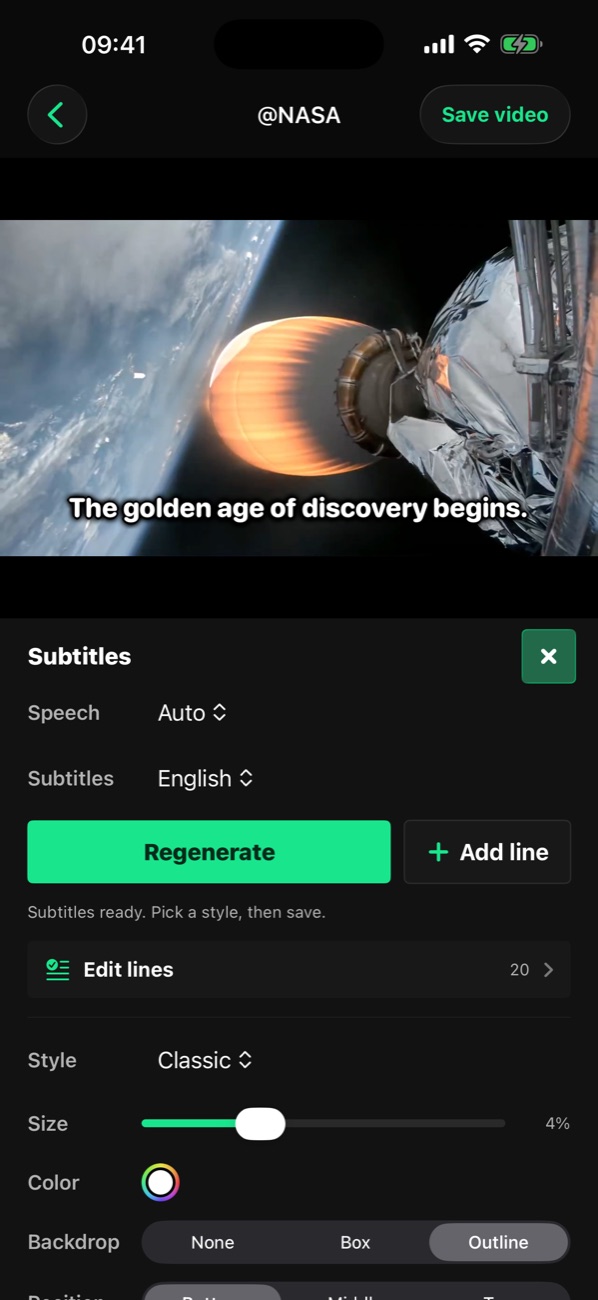
One scene, any language
It works out the spoken language from the audio, and writes down songs and speech over music too. It translates the subtitles, and you pick the look: classic, karaoke or box.
-

The golden age of exploration is just beginning.
English classic
-
La edad de oro de la exploración apenas comienza.
Español karaoke
-
探査の黄金時代は、まだ始まったばかりだ。
日本語 box
Translates into 19 languages
- English
- Türkçe
- Deutsch
- Español
- Français
- Italiano
- Português
- Nederlands
- Polski
- Русский
- Українська
- العربية
- हिन्दी
- 日本語
- 한국어
- 中文
- ไทย
- Tiếng Việt
- Bahasa Indonesia
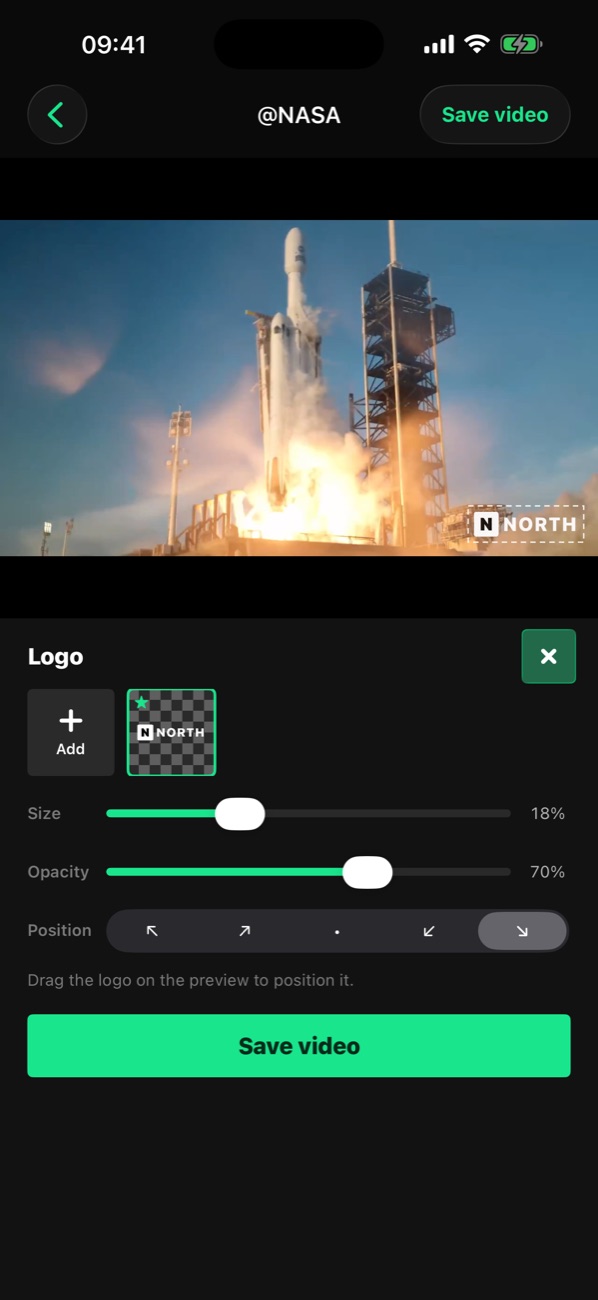
Your logo on every video
Add your logo once. Drag it in the preview, set its size and opacity; it comes back on your next videos by itself.
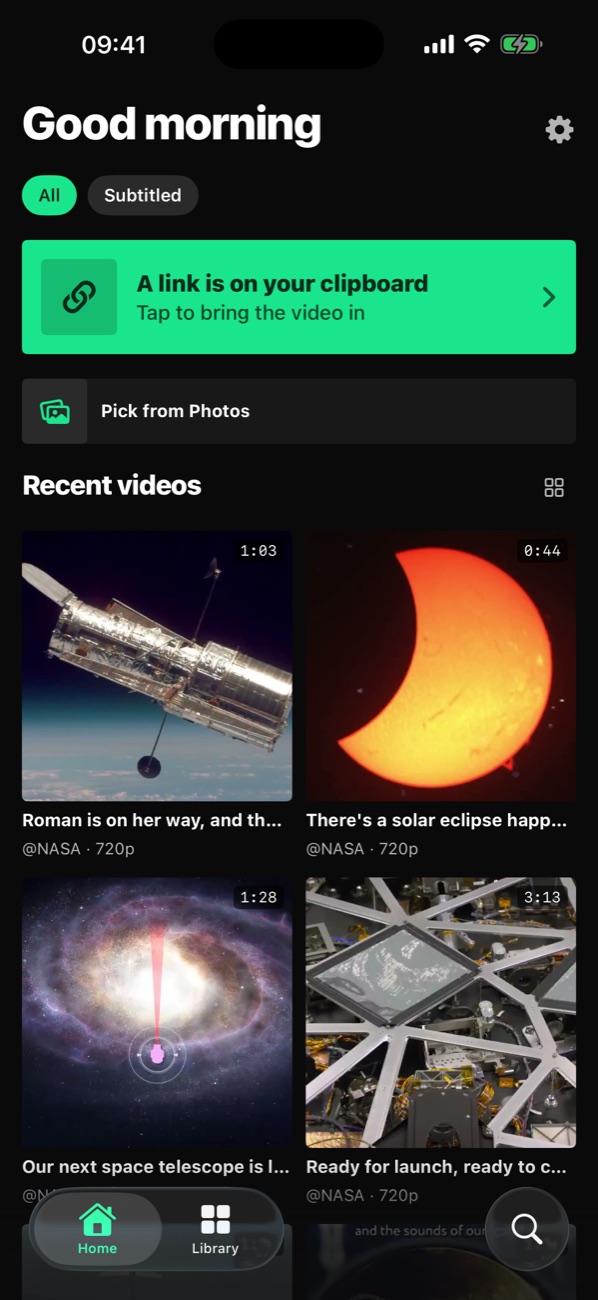
From Photos or a link
Pick a video from Photos, or copy the link of your post on X; xvd sees the copied link and downloads it with one tap. The finished video is saved to Photos.
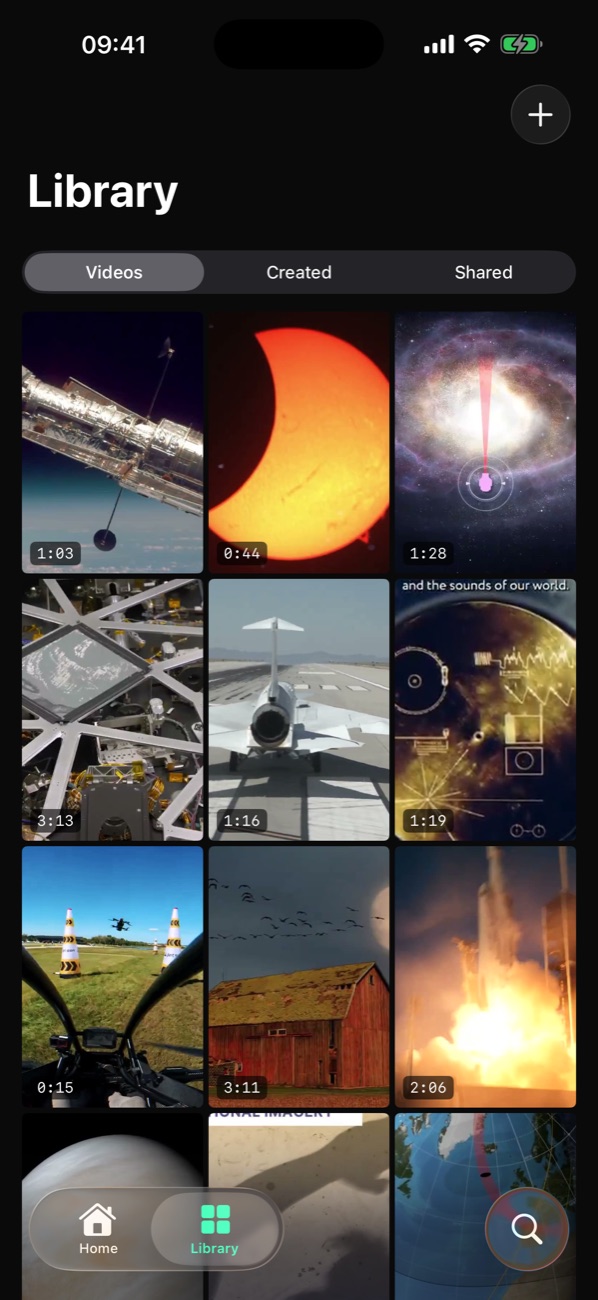
All in your library
Downloaded, edited and shared videos each keep their own tab. Tap one and pick up where you left off.
And more
Send straight from X
Tap Share on a post in X, then xvd; the video lands in the app.
Edit the lines
Fix a misheard word, or add your own line at any second.
Progress on the lock screen
While a download runs, its progress shows on the lock screen and in the Dynamic Island.
New video alerts Pro
Get notified when an account you follow posts a video; tap the notification to open it.
Start free
Free
- Subtitles for videos up to 30 seconds
- Language detection from the audio, and translation
- Downloads up to 720p
Pro
- Subtitles for videos up to 5 minutes
- Your logo
- Follow 3 accounts, get notified of new videos
- 1080p and higher downloads